Modules
Alfrodin bundles its features into modules. The Alfresco site modules belong to a site and are activated there by a site manager; the Alfrodin modules extend Alfrodin itself and are installed centrally by an Alfresco administrator.
Each module brings its own settings and can be set up, adjusted or switched off independently of the others.
Alfresco site modules
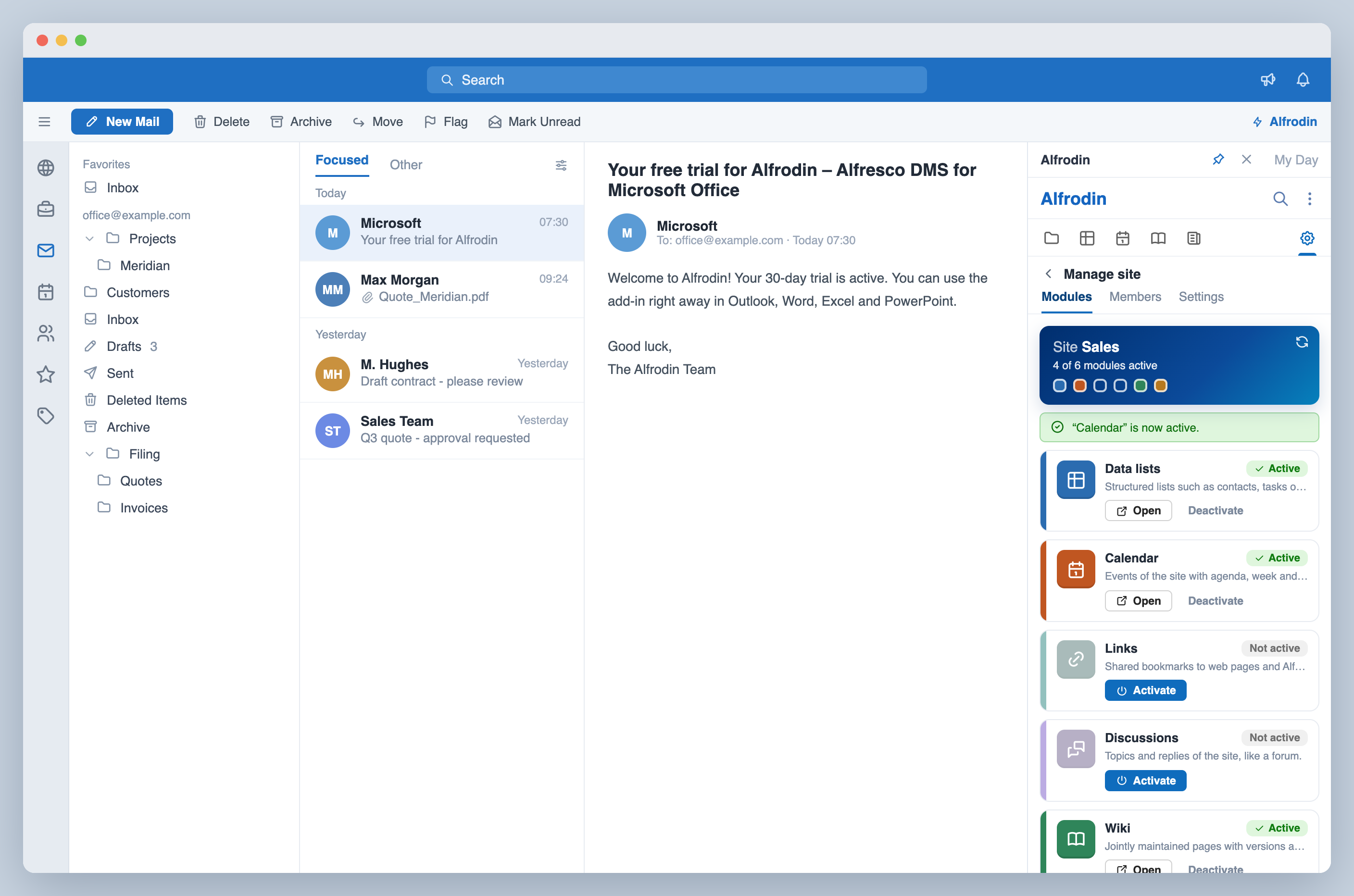
The Alfresco site modules belong to a site. A site manager activates them per site; active modules appear in the module bar for all members, and every module follows the permissions of your Alfresco server.
Manage sites and modules
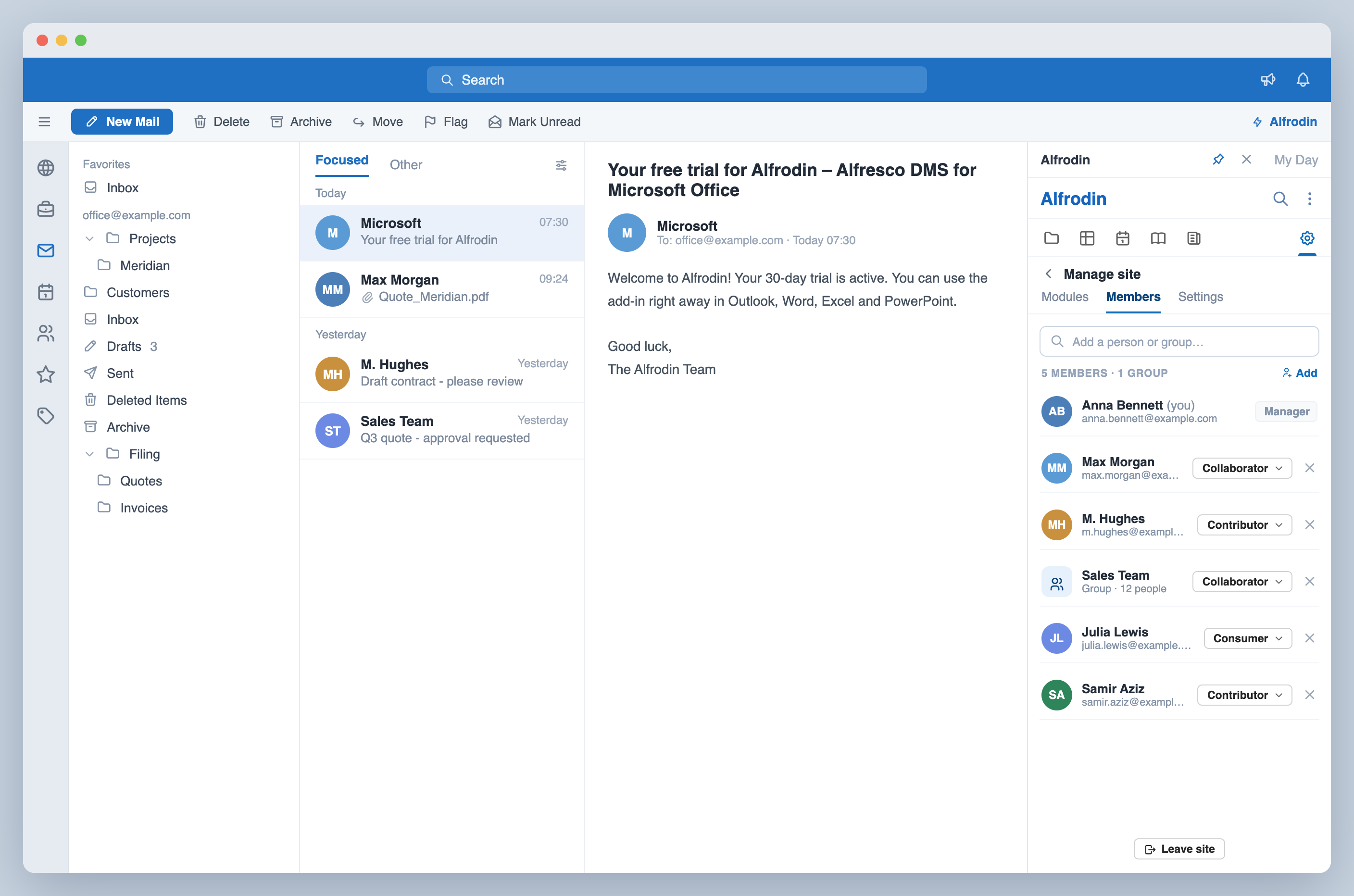
Site managers activate the modules of each site with one click. Site administration is part of Alfrodin as well: maintain members and roles, add groups, adjust title, description and visibility, and create new sites.
Wiki
Read, write and edit the wiki pages of a site, with internal links, images and the full version history. The full-screen reader turns the wiki into pleasant reading, including a table of contents.

Blog
Read, write, comment on and publish blog posts, with drafts, tags and version history, in the task pane and in a full-screen reader.

Data lists
Maintain the tasks, issues, contacts, events and locations of a site right in the task pane, custom list types included. Plus a full-screen table with a card view, filters for every field, CSV export and a PDF report. New: reminders. Items with a due date appear in your follow-ups days, weeks or months before they are due. Any item with a due date can be added to your calendar as an Outlook appointment or a calendar file.

Calendar
The events of a site as an agenda in the task pane, and as month, week and day view in full screen. Recurring events are created directly in Alfrodin, every event can be copied into Outlook, and calendar sheets print as PDF.

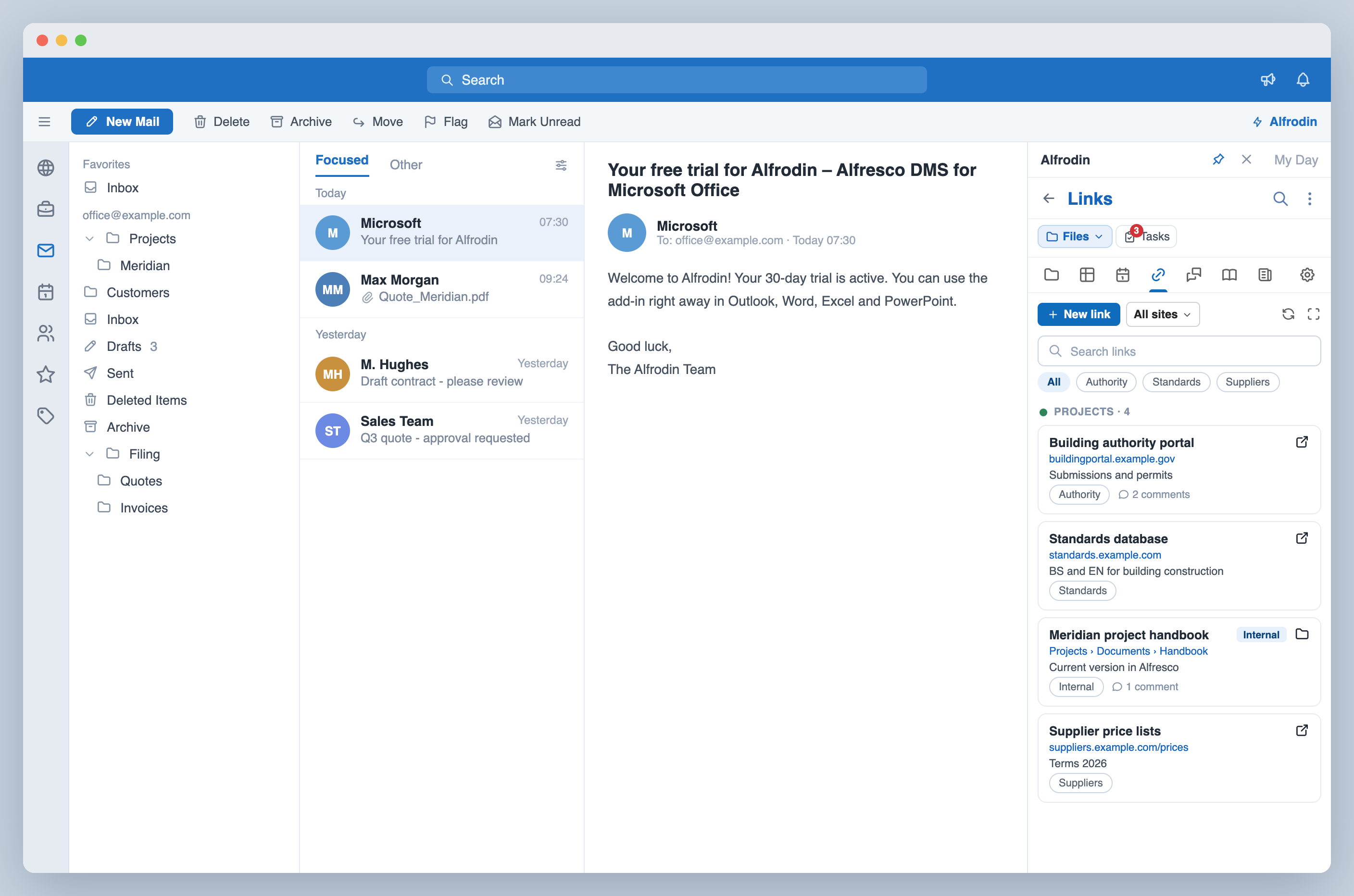
Links
Maintain, comment on and open the link collection of a site, as a list or as cards in full screen. References to Alfresco documents and folders open right in the task pane, and the list prints as a PDF report.
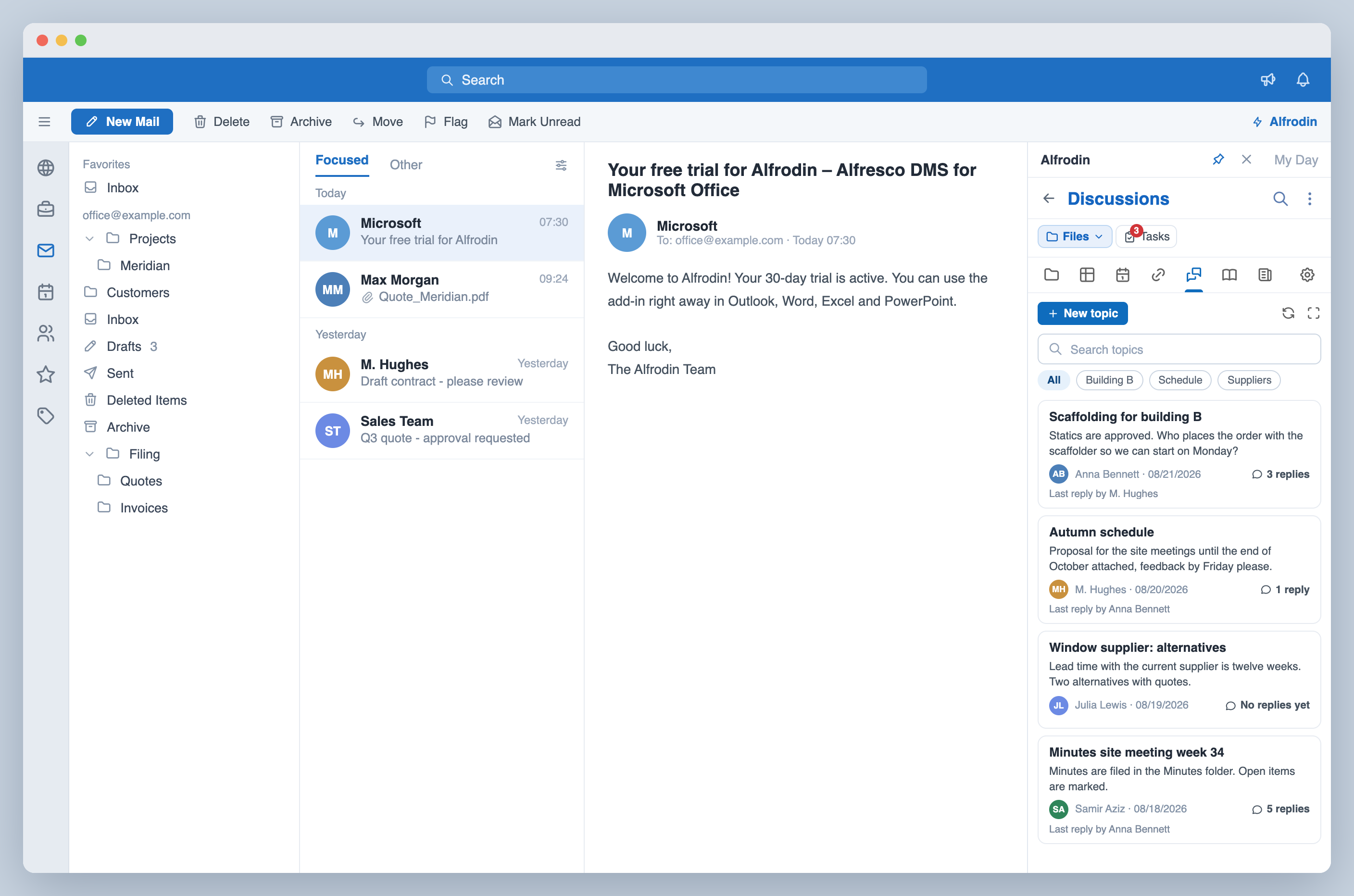
Discussions
Read and write topics and replies, with an indented thread in full screen and an editor for headings, lists, images and tables.
Email signatures module
Design your signature in minutes from ready-made blocks and assign it to your Alfresco groups: group membership decides who gets which signature. Multilingual, campaign-capable with start and end dates, filled from your centrally maintained values and with a traceable change history in your own repository.
- Centrally controlled through your Alfresco groups
- Built in minutes from ready-made blocks, multi-column included, with live preview
- Content from your systems: Alfresco profile, AD/LDAP sync, group values
- Your own attributes, defined centrally and used anywhere
- Campaign-capable with start and end dates
- Multilingual, any number of versions
- Clear ranking when someone belongs to several groups
- All in your Alfresco, versioned and traceable
The module is set up by an Alfresco administrator. After that the area appears for every user who has a signature assigned.
Administration module
Maintain user accounts, groups, sites, tags and categories right inside Microsoft Office: profile details and access, quotas, memberships, the role a group holds in a site, and the category tree of your Alfresco. Everything stays in your Alfresco.
- Accounts fully maintained, from the profile details to the administrator right
- Storage quota per account
- Groups created and renamed, with their members and subgroups
- Assignment from both sides, through the user or through the group
- Roles in sites for a single account or a whole group
- Import users from a CSV file, up to 500 per import, with every row checked
- All sites on the server with managers and visibility, including private and moderated ones
- Tags and categories renamed on all documents at once, the category tree maintained
- Search from two characters, even with several thousand accounts
- Reports as PDF on users and groups with the origin of every entry, plus on sites, tags and categories
- Everything in your Alfresco, with your permissions
No setup is required: the area is open to every Alfresco administrator.